Help Contents || Previous || Next
4. Creating User Accounts
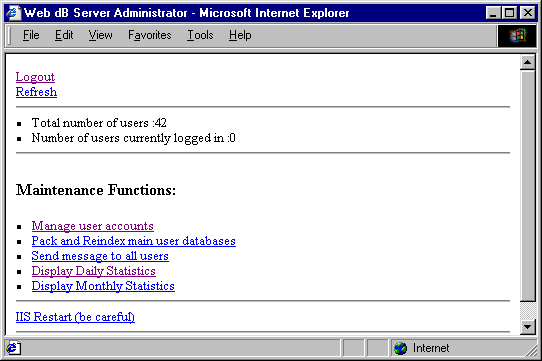
Before you can start using Web dB Server you have to create at least one user account. You do it with the Administrator program. After logging in click on Manage User Accounts:
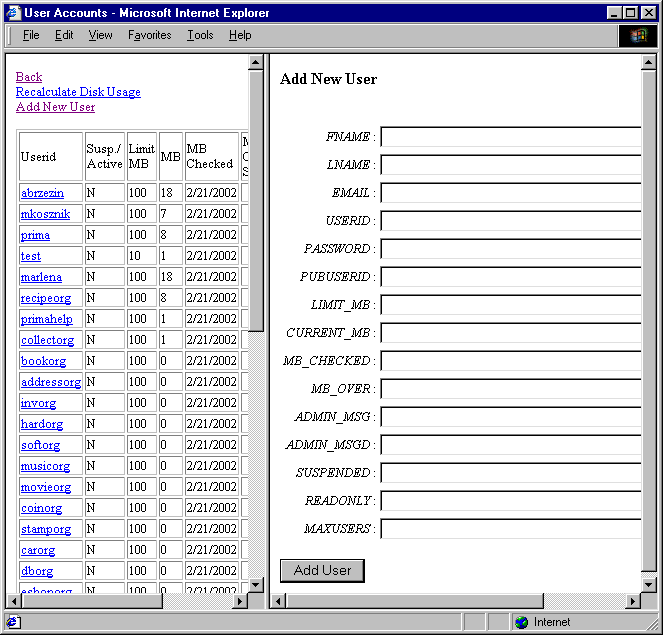
Now, click on Add New User and fill out the following fields : USERID, PASSWORD, PUBUSERID, LIMIT_MB (other fields are optional) and finally click on Add User.